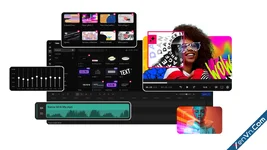
GiliSoft ClipMark is a versatile video watermark removal and branding software designed for Windows. Developed by GiliSoft, this tool serves a dual purpose: it helps users clean up unwanted overlays from existing videos and allows creators to protect or brand their content with custom watermarks.
Key Features
- Watermark and Logo Removal: The software allows users to erase logos, timestamps, text, and other fixed overlays from multiple regions within a video. It features standard manual erasure alongside credit-based AI-assisted cleanup for complex background reconstruction.
- Advanced Watermarking: You can easily add various types of branding to your videos, including text, custom logos, images (PNG, GIF), shapes, and even video overlays. It provides precise control over placement, layer resizing, transparency levels, and specific time ranges.
- Picture-in-Picture (PiP): Users can overlay a secondary video layer onto the main footage with customizable position and timing controls.
- Subtitle Generation: The program includes built-in speech recognition analysis to automatically generate, review, and correct video subtitles.
- Archive Refreshes: Cleaning up old media libraries by removing outdated logos, timestamps, or graphics.
- Rebranding Campaigns: Updating marketing materials, training libraries, or customer demonstrations when moving content to a new channel or organizational identity.
- Content Protection: Applying digital watermarks or animated logos across video files in batch mode to protect copyright.
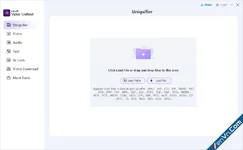
- Import: Add your source video or folder into the software.
- Configure: Identify the target task (cleanup or branding) and customize the regions, time ranges, and transparency levels.
- Preview & Adjust: Preview the beginning, middle, and end of the timeline to ensure layers do not overlap captions or leave mismatched edges.
- Export: Run a quick test before rendering the final output file.
Download GiliSoft ClipMark - Video Watermark Remover and Branding Software:
dl.xenvn.com
Password: xenvn.com