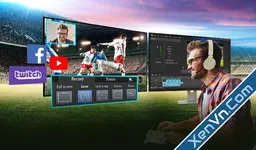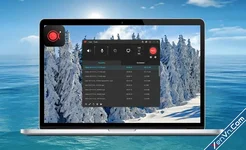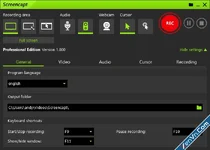
Screencapt is your ultimate screen recorder for Windows – with webcam integration, real-time drawing tools, and up to 120 FPS for smooth recordings.
Quick Screen Captures: Capture the full screen, individual windows, or custom areas with a single click.
Video Recording: Record screen activity with audio – perfect for tutorials, presentations, or support.
Audio Recording: Optionally capture microphone input or system sound.
Custom Settings: Choose resolution, format, quality, and hotkeys as needed.
User-Friendly Interface: Easy to use – ideal for beginners and professionals alike.
KEY FEATURES
- Flexible Recording Areas: Fullscreen, window, or custom region
- Webcam Overlay: Show yourself in the video (for Let's Play & tutorials)
- Draw During Recording: Highlight, annotations in real-time
- Up to 120 FPS: Buttery-smooth recordings for gaming & fast motion
- Audio Recording: Microphone commentary + system sound simultaneously
- Cursor Effects: Visually highlight clicks, cursor circle for better visibility
- H.264 Compression: High quality with small file size
- Export Formats: MP4, AVI, FLV
Attachments