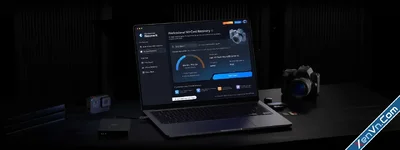
FoneLab Android Data Recovery is a desktop software for Windows, designed to retrieve deleted or lost files from Android smartphones and tablets.
Key Features
- Multiple File Types: Recovers SMS text messages, contacts, call logs, photos, videos, audio, documents, and WhatsApp data.
- Wide Compatibility: Supports over 6,000 Android devices from major brands like Samsung, Oppo, Xiaomi, Vivo, and Huawei.
- SD Card Recovery: Scans and recovers data directly from external MicroSD cards.
- Pre-recovery Preview: Allows you to preview specific files before committing to recovering them.
Step-by-Step Process
- Connect: Launch the software on your PC/Mac and connect your Android phone using a USB cable.
- Enable USB Debugging: Follow the on-screen prompts to turn on USB Debugging in your phone's Developer Options.
- Scan: Select the data types you want to find and run a Standard Scan. Note: If the files are not found, a Deep Scan is required, which usually requires rooting your device.
- Recover: Check the preview list, select your lost files, and click Recover to save them to your computer.
FoneLab Android Data Recovery
- Recover deleted or lost data from Android phone, SD card or SIM card.
- Restore Android Contacts, Messages, Photos, Videos, Audio, Call Logs, Whatsapp, Documents.
- Preview Android data before recovery.
- Different Android phones are available, such as Samsung, HTC, LG, Motorola, Sony, Google, HUAWEI, etc.
- Support Android OS 5.0 and above.
Download FoneLab Android Data Recovery:
dl.xenvn.com
Password: xenvn.com