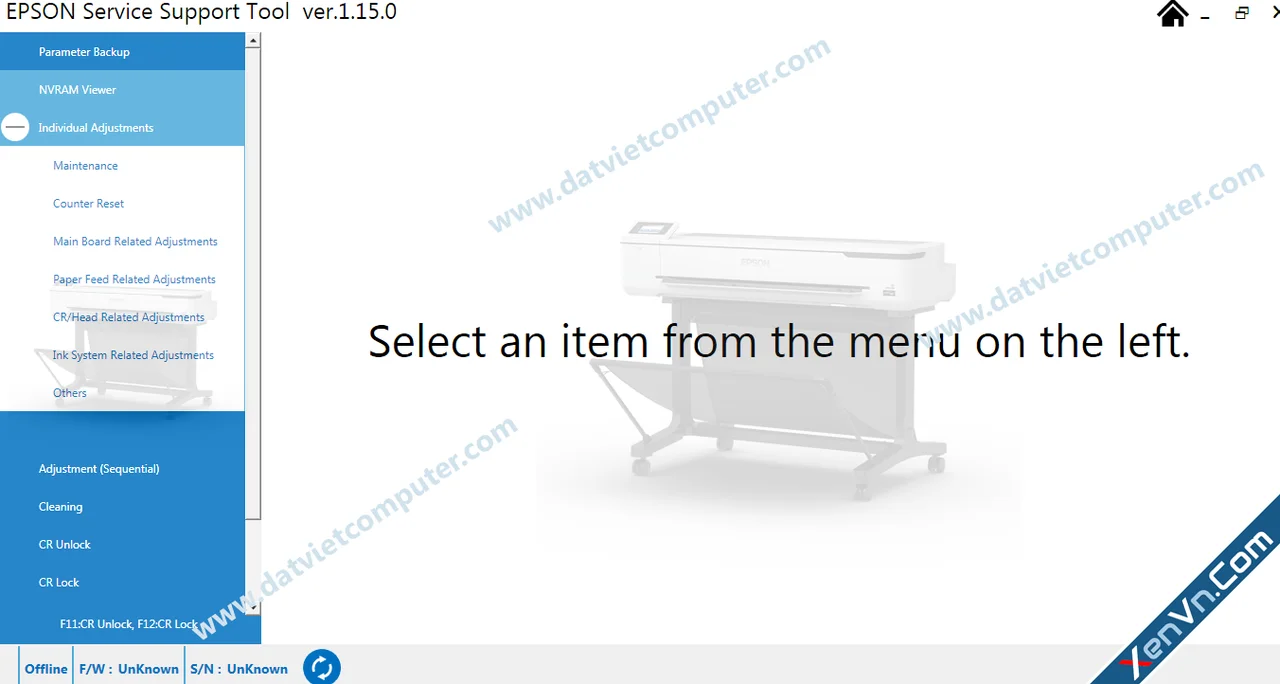
EPSON Service Support Tool Ver.1.15.0 (often called EPTool v1.15.0) is a professional maintenance and adjustment utility designed for many Epson SureColor large-format printers. According to multiple software distributors, this version supports a wide range of SC-F and SC-T series printers and includes maintenance, reset, cleaning, and NVRAM functions.
Main Features
Reset maintenance counters and life counters
NVRAM Viewer support
Initial Ink Charge
Power Ink Flushing
Cleaning operations
Service mode maintenance
Backup and restoration of printer parameters (depending on model)
Supported Error Codes
EPSON Service Support Tool Ver.1.15.0 can be used to address maintenance-related errors such as:
00000001 – Pump Cap Unit life near end
00000004 – Ink Tube Assy life near end
00000008 – Ink Tank Upper Porous Pad life near end
00010000 – Pump Cap Unit life end
00040000 – Ink Tube Assy life end
00080000 – Ink Tank Upper Porous Pad life end
000C0000 – End-of-life maintenance parts
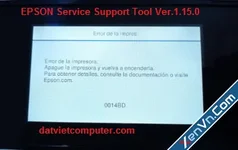
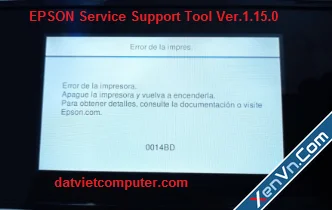
0014BD – Ink Leak Error

It also provides maintenance functions such as cleaning, ink charging, and flushing operations.
Compatible Printer Models
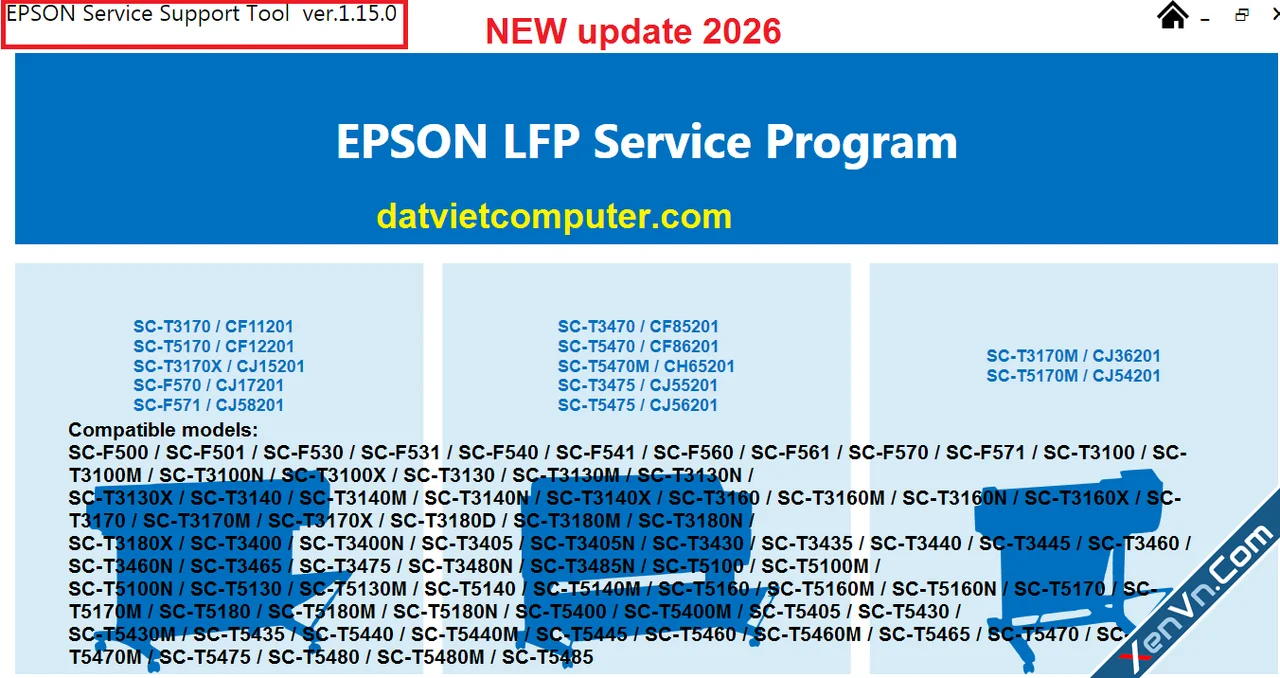
The software is reported to support numerous Epson SureColor models, including:
SC-F500 / F501
SC-F530 / F531
SC-F540 / F541
SC-F560 / F561
SC-F570 / F571
SC-T3100 series
SC-T3130 series
SC-T3160 series
SC-T3170 series
SC-T3180 series
SC-T3400 series
SC-T3435
SC-T3485
SC-T5100 series
SC-T5130 series
SC-T5170 series
SC-T5180 series
SC-T5400 series
SC-T5435
SC-T5470 series
SC-T5485
and many other regional variants.
System Requirements
Windows operating system
USB connection between PC and printer
Administrator privileges
One-PC activation depending on the software license supplied by the vendor
Download Sources
For official Epson drivers and utilities, use:
Epson Official Support Center
If you are looking specifically for EPSON Service Support Tool Ver.1.15.0, it is generally distributed through third-party service software vendors rather than Epson's public support website. Always verify the source before downloading and scan downloaded files with antivirus software.
Important Notes
This tool is intended primarily for technicians and advanced users.
Resetting maintenance counters without replacing worn components may only temporarily clear warnings.
Incorrect service operations can cause printer malfunction.
Always back up printer parameters before performing service procedures when the option is available.
Datvietcomputer.com
Main Features
Reset maintenance counters and life counters
NVRAM Viewer support
Initial Ink Charge
Power Ink Flushing
Cleaning operations
Service mode maintenance
Backup and restoration of printer parameters (depending on model)
Supported Error Codes
EPSON Service Support Tool Ver.1.15.0 can be used to address maintenance-related errors such as:
00000001 – Pump Cap Unit life near end
00000004 – Ink Tube Assy life near end
00000008 – Ink Tank Upper Porous Pad life near end
00010000 – Pump Cap Unit life end
00040000 – Ink Tube Assy life end
00080000 – Ink Tank Upper Porous Pad life end
000C0000 – End-of-life maintenance parts
0014BD – Ink Leak Error
It also provides maintenance functions such as cleaning, ink charging, and flushing operations.
Compatible Printer Models
The software is reported to support numerous Epson SureColor models, including:
SC-F500 / F501
SC-F530 / F531
SC-F540 / F541
SC-F560 / F561
SC-F570 / F571
SC-T3100 series
SC-T3130 series
SC-T3160 series
SC-T3170 series
SC-T3180 series
SC-T3400 series
SC-T3435
SC-T3485
SC-T5100 series
SC-T5130 series
SC-T5170 series
SC-T5180 series
SC-T5400 series
SC-T5435
SC-T5470 series
SC-T5485
and many other regional variants.
System Requirements
Windows operating system
USB connection between PC and printer
Administrator privileges
One-PC activation depending on the software license supplied by the vendor
Download Sources
For official Epson drivers and utilities, use:
Epson Official Support Center
If you are looking specifically for EPSON Service Support Tool Ver.1.15.0, it is generally distributed through third-party service software vendors rather than Epson's public support website. Always verify the source before downloading and scan downloaded files with antivirus software.
Important Notes
This tool is intended primarily for technicians and advanced users.
Resetting maintenance counters without replacing worn components may only temporarily clear warnings.
Incorrect service operations can cause printer malfunction.
Always back up printer parameters before performing service procedures when the option is available.
Datvietcomputer.com